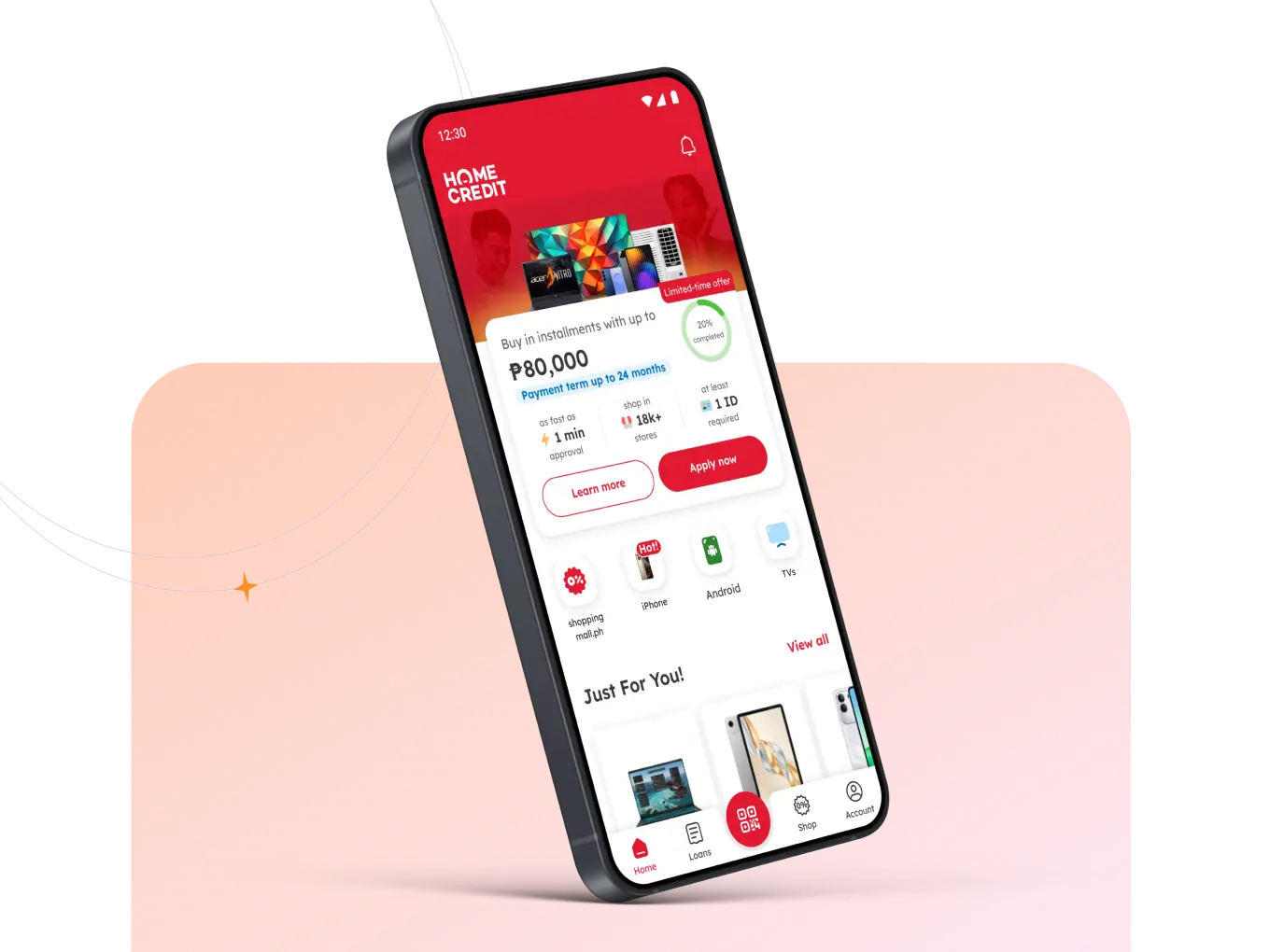
Pay smarter with Home Credit Card for
Shopping
Track your spending, manage your card, and enjoy rewards in the Home Credit App!

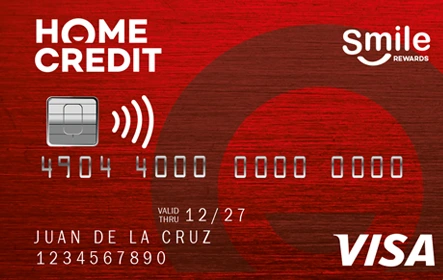
Discover how easy life can be with Home Credit Card


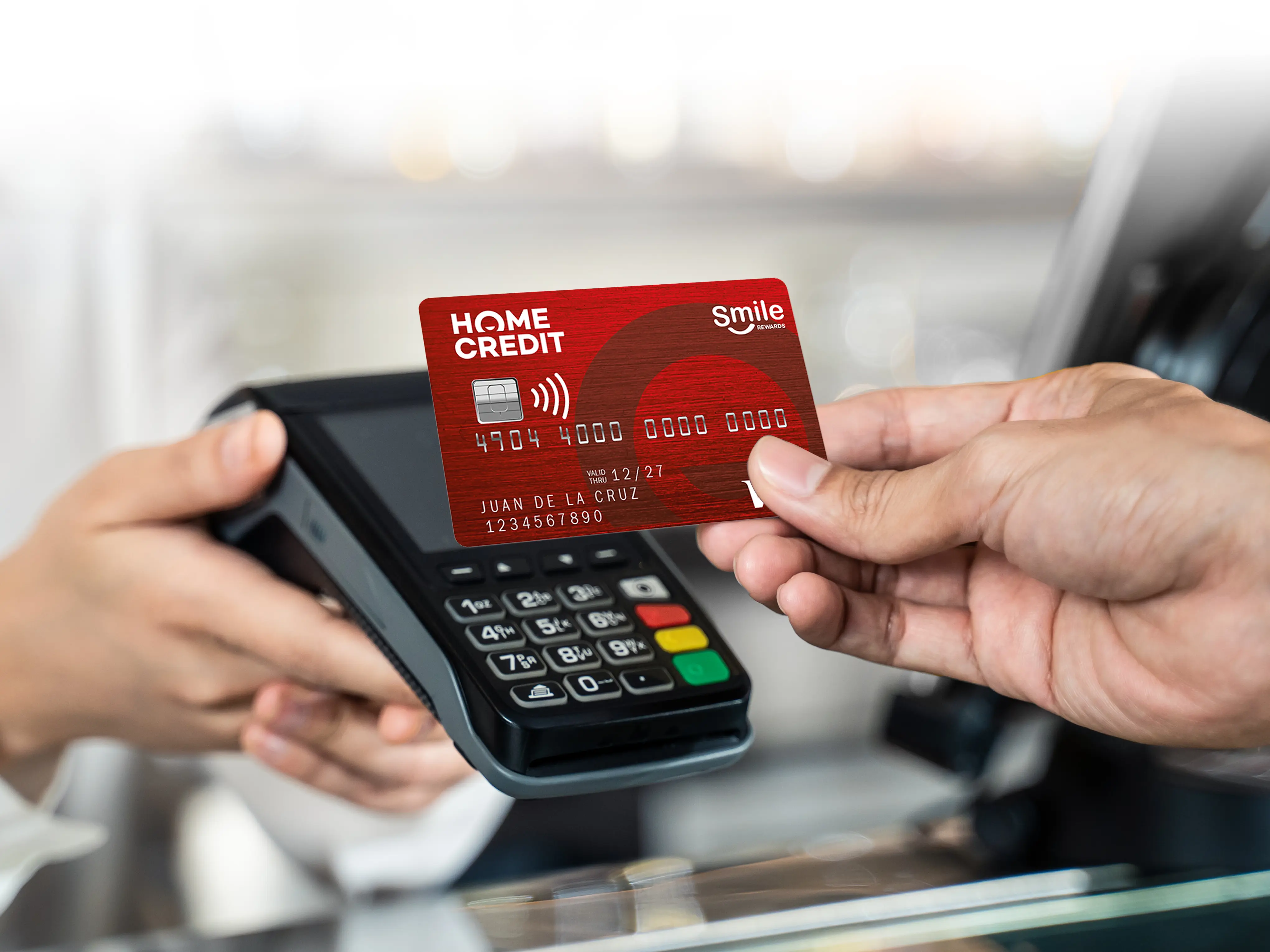
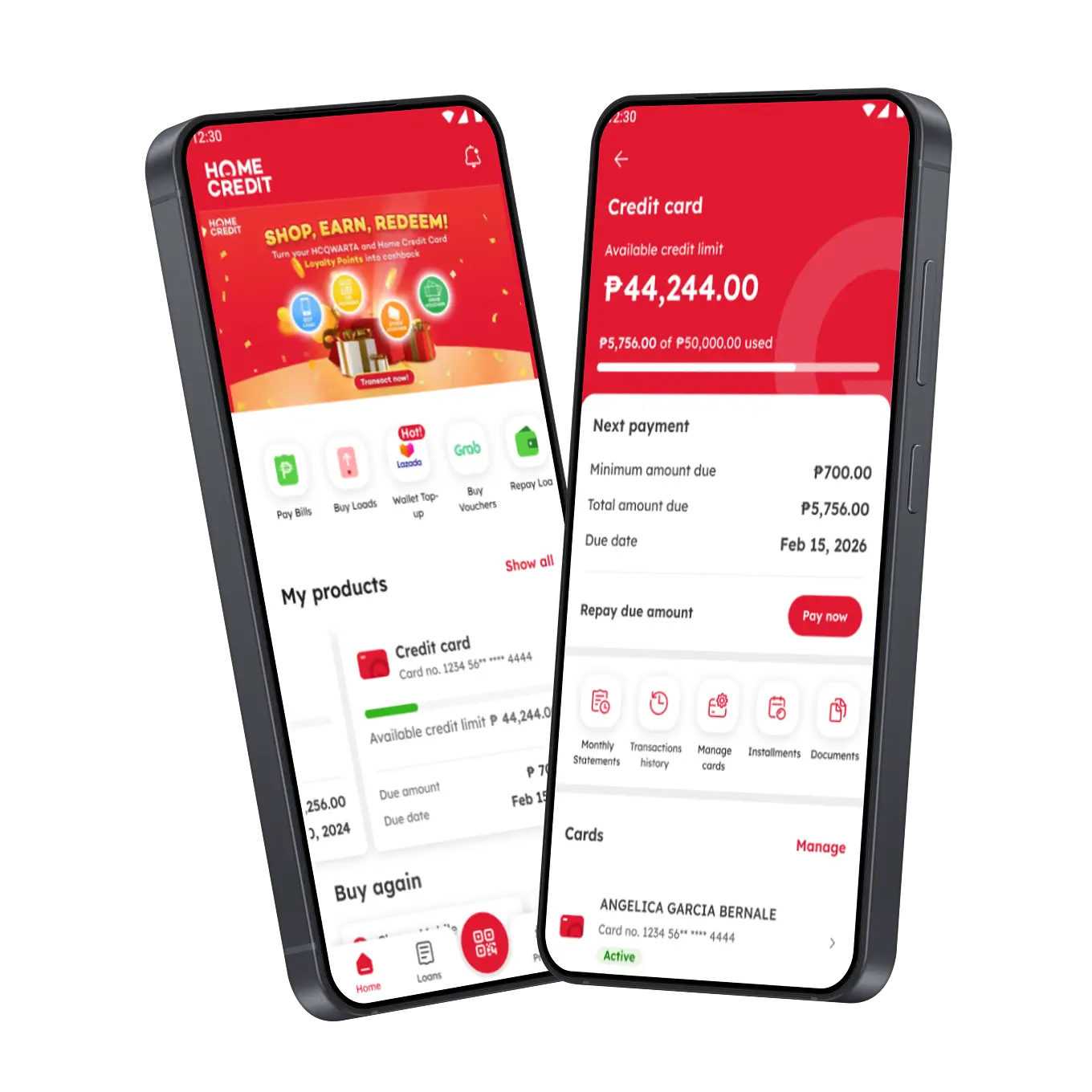
Enjoy Premium Services—Powered by Your Card
-
 Earn up to 10% worth of loyalty points, redeemable as cashback!
 -
Shop and pay securely with 3D Secure
-
Stay protected against loss, theft, or fraud
-
Borrower Protection included
-
Enjoy special deals and promos every month
-
Split big purchases into easy installments
We are Partnered with Thousands of Stores Nationwide!
Shop what you need at thousands of partner stores—now made easier and more flexible with Home Credit.






















Get Started with your Home Credit Card
Master all the features of your Home Credit Card with our easy-to-follow guides
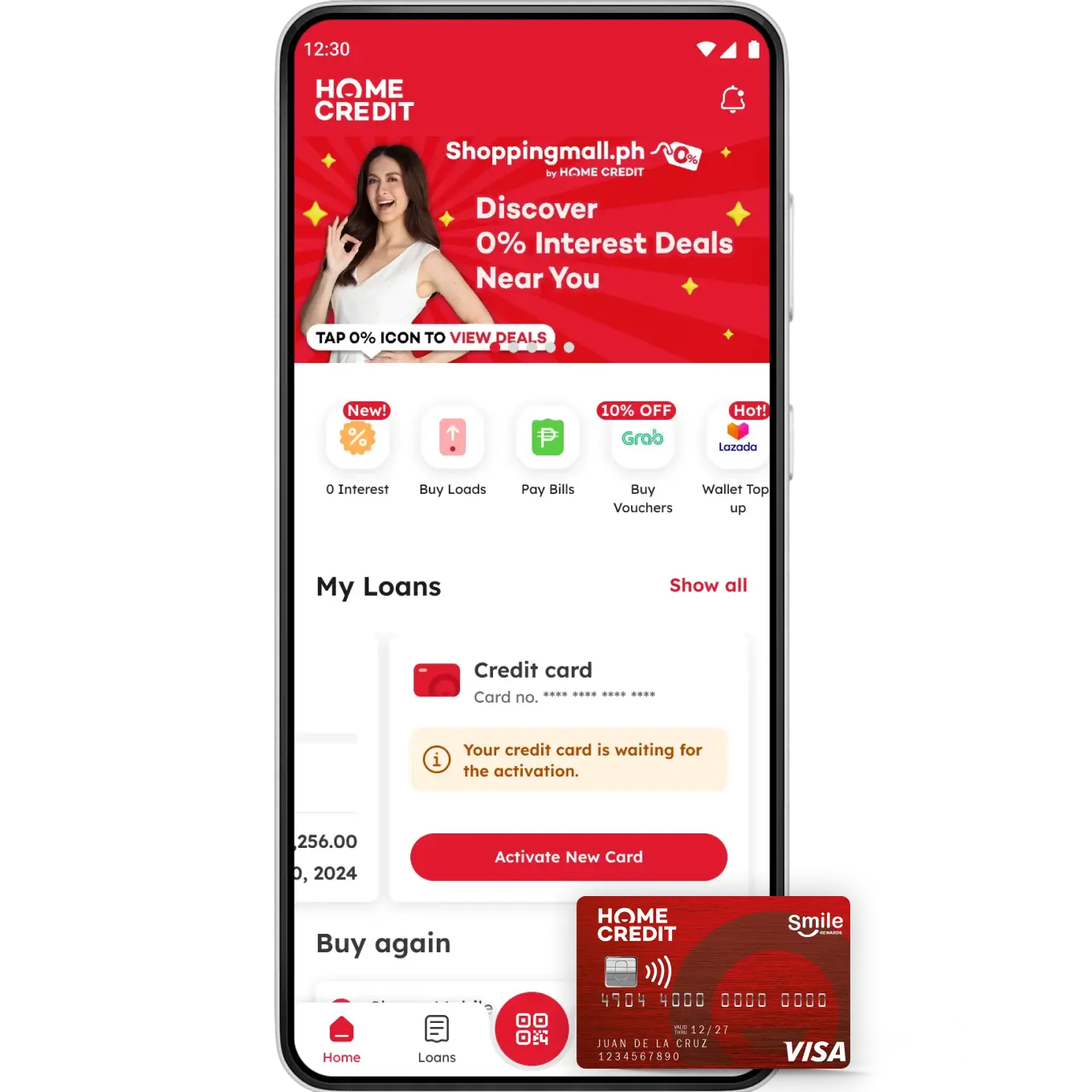
Got your Home Credit Card?
Activate now!

Log in to the Home Credit App, tap “Activate New Card,” and enter the last 4 digits from your physical card to activate it.

Input the required details, as seen in your Home Credit card.

Verify and set up your PIN.

Start using your Home Credit Card!
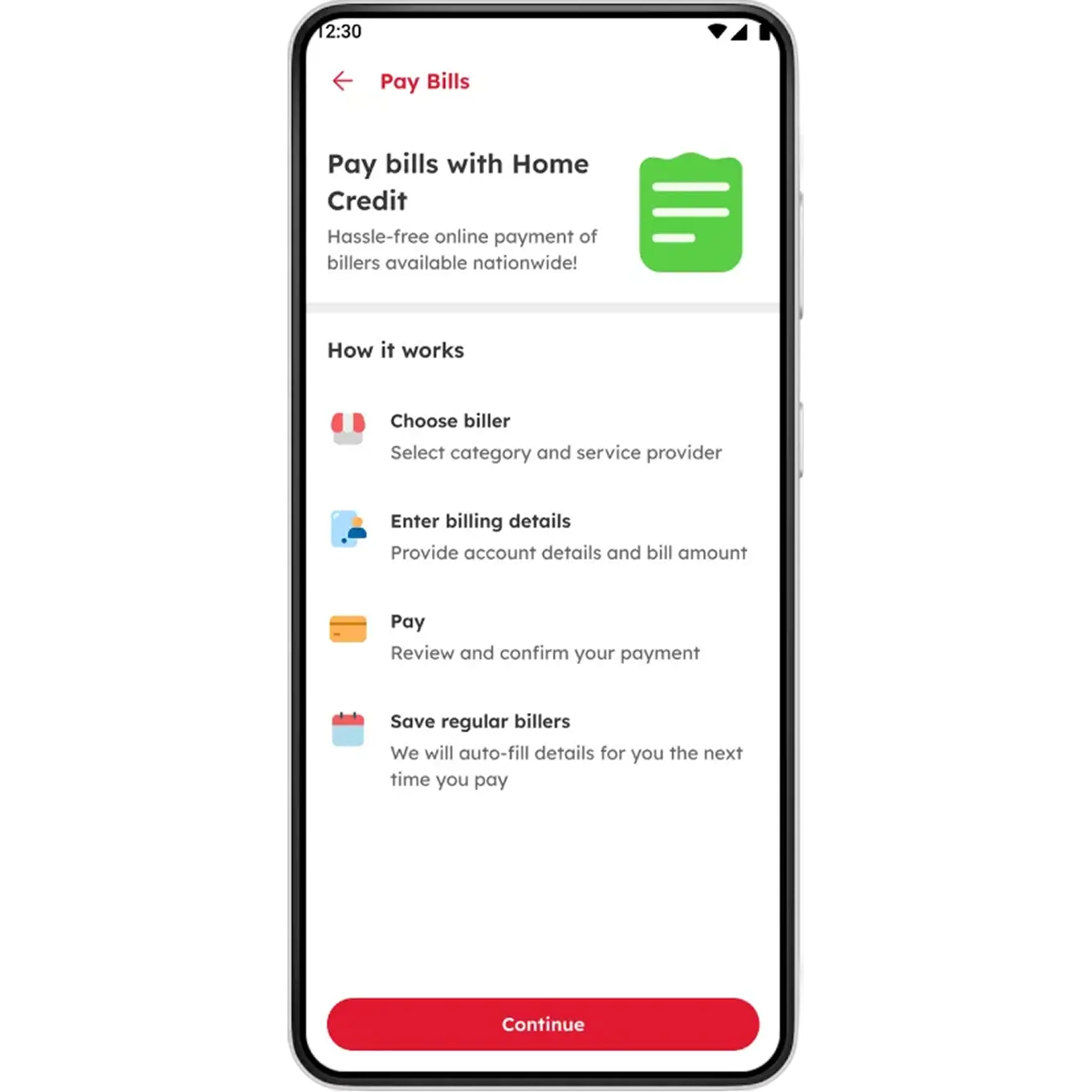
Pay bills with no added fees and set payment reminders!
Tap the ‘Pay Bills’ icon in your Home Credit App.
Choose from the categories and billers.
Enter billing details and confirm payment.
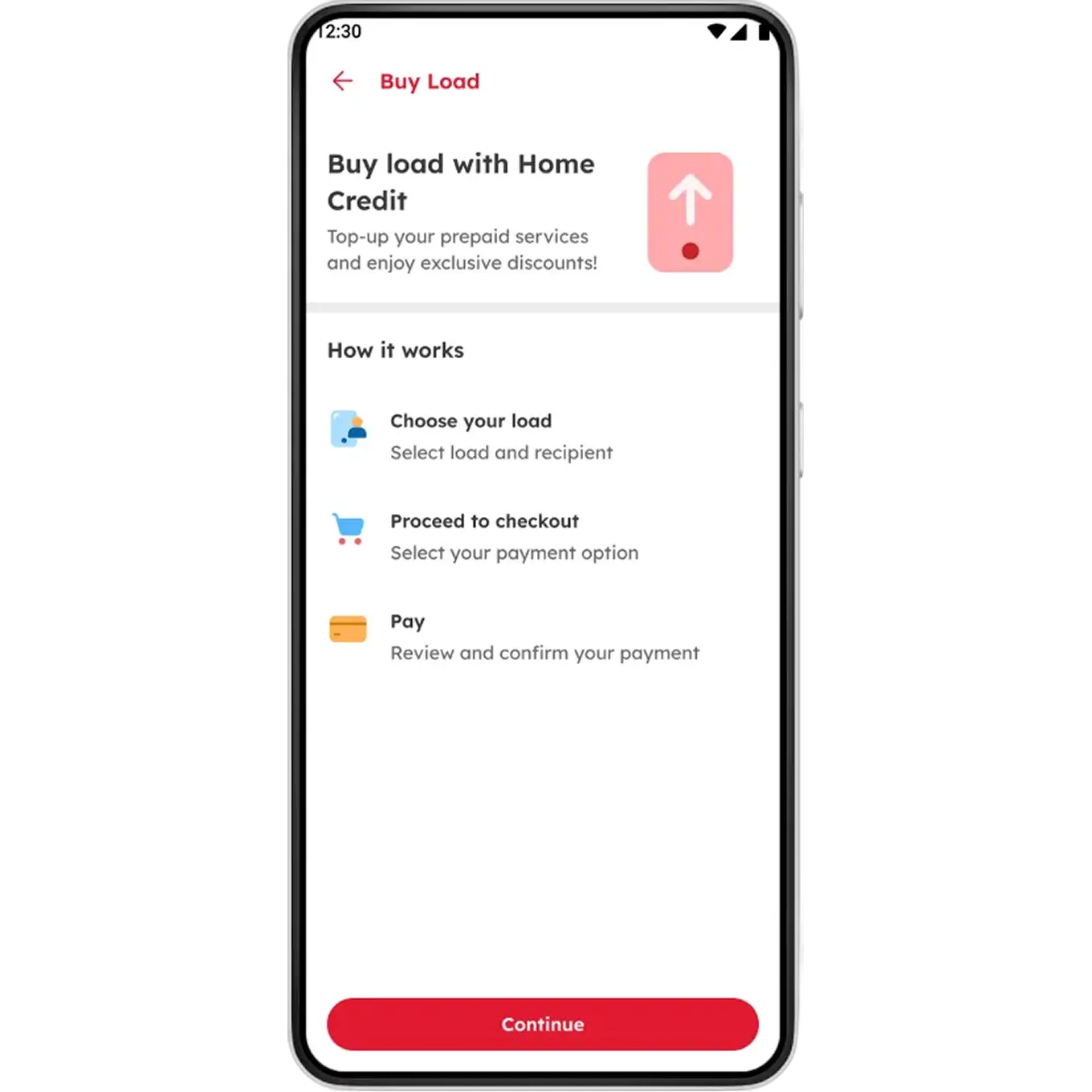
Buy load for all networks. No added fees!
Tap the ‘Buy Load’ icon in your Home Credit App.
Select a load category and network provider
Enter the mobile number and select the desired load offer.
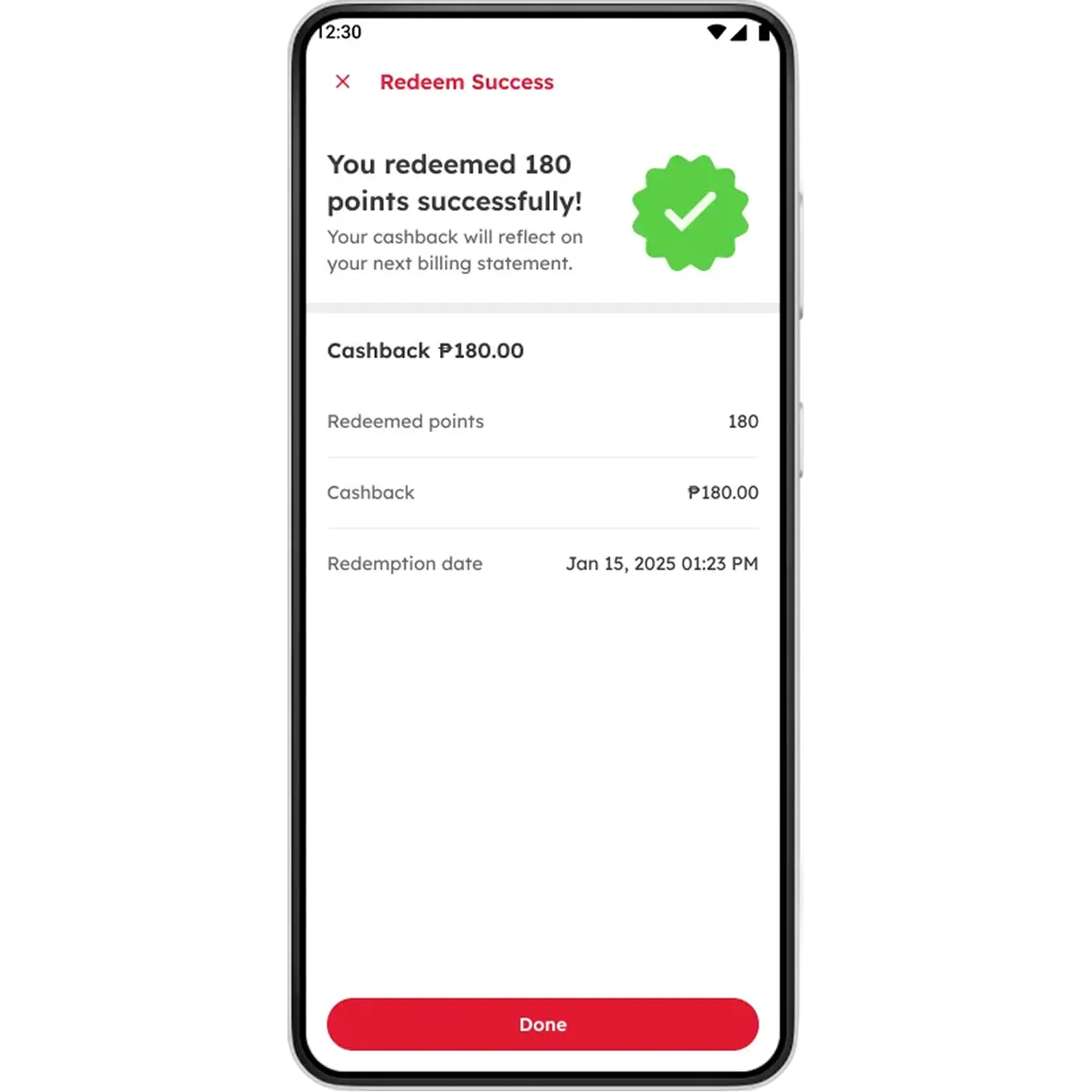
Turn your Loyalty Points into cashback!
Go to the Home Credit App > ‘My Products’ and tap your Credit Card account.
Scroll down to ‘Loyalty Points’ and tap ‘Available Points’.
Enter amount to redeem (must be a minimum of 50 points, in increments of 10).
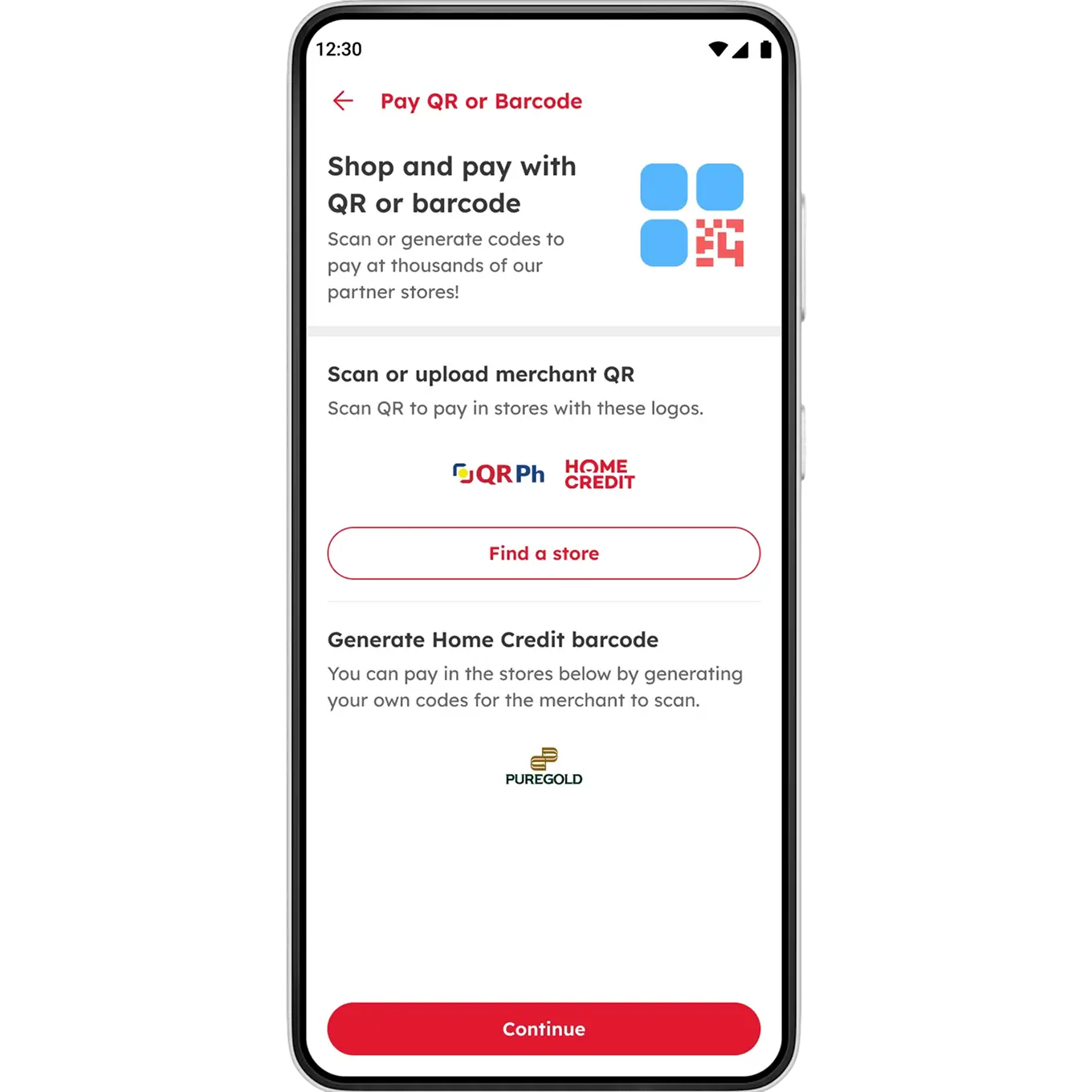
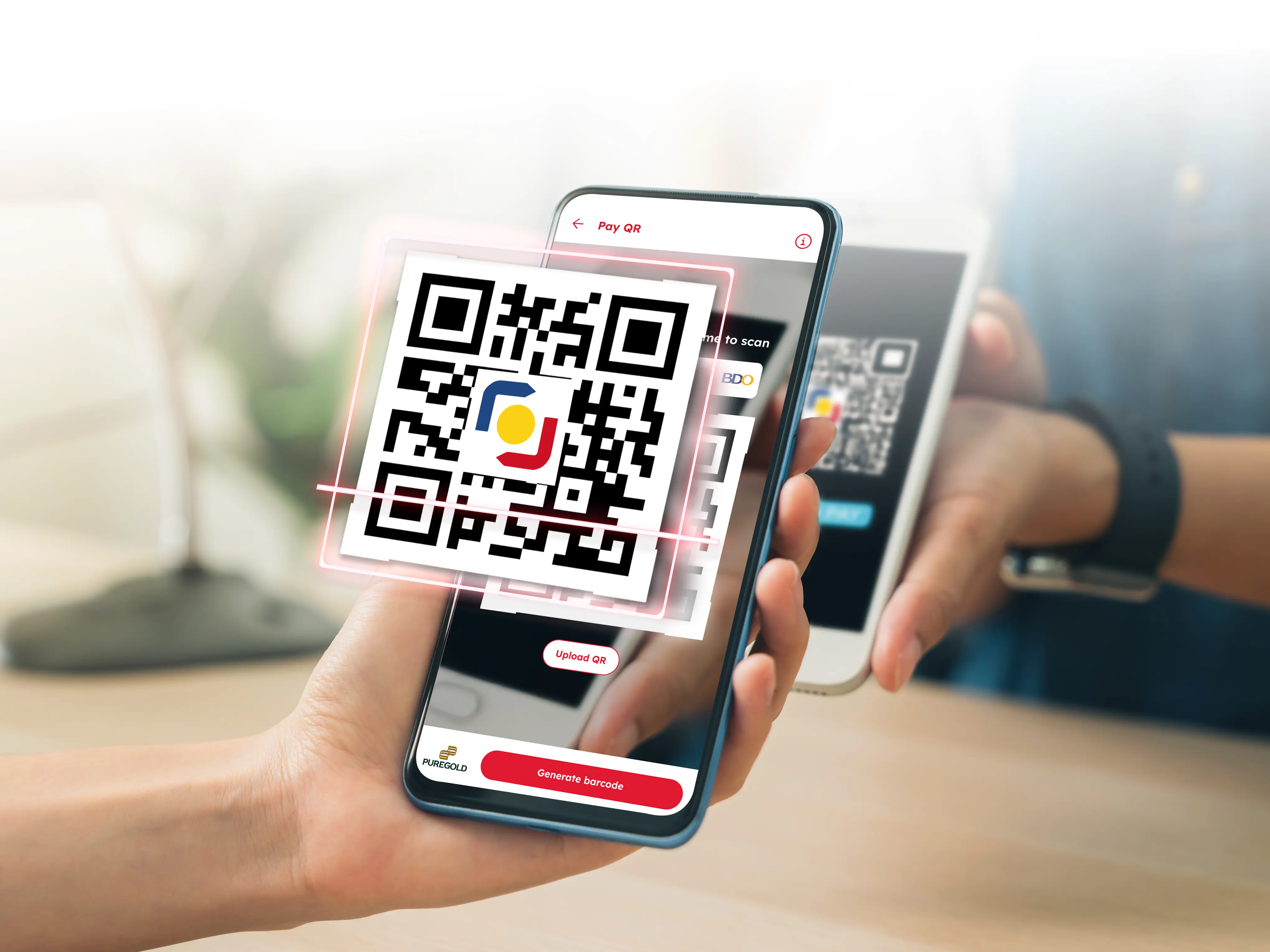
Scan to pay easily via QR Ph!
Select the ‘QR Scanner’ icon in your Home Credit App.
Scan the QR Ph code of the merchant and enter the amount to pay.
Review details then tap ‘Confirm’.
Table of Fees and Charges
| HOME CREDIT CARD | |
| Nominal Interest Rate | 3% per Month |
| Other Fees and Charges | |
| Membership Fee | For cards issued before September 2021: The ₱200 monthly membership fee may be waived upon meeting a minimum monthly spend of ₱15,000 within the billing period. |
| Cash Withdrawal Fee | PHP 200 per transaction |
| Card Replacement Fee | PHP 250 per request |
| Foreign Currency Conversion Fee | 2.5% of the transaction amount |
| Invalid Dispute Fee | PHP 250 for every disputed transaction found to be valid |
| Overpayment Refund Fee | PHP 50 per request (applicable to finished/closed account only) |
| Fees/Penalties for Late-Payment or Non-Payment | |
| Late Payment Fee | For Cards issued before August 2023 - PHP 500 or equivalent value of the unpaid Minimum Amount Due, whichever is lower. For Card issued on August 2023 onwards PHP 750 or equivalent value of the unpaid Minimum Amount Due, whichever is lower. |
| Attorney’s fee | PHP 5,000 |
| *The Card Protection fee is an additional feature for Cards issued September 2021 onwards. The Card Protection provides the following coverage:
Updated as of May 2026 | |
| Home Credit Card Installment Plans | ||||||||
| Transaction Amount | P3,000 - P9,999 | P10,000 - P19,999 | P20,000 - P39,999 | P40,000 - P100,000 | ||||
| Tenor | 3 months | 6 months | 6 months | 12 months | 12 months | 24 months | 18 months | 24 months |
| Add-on rate | 1% | |||||||
| Conversion Fee | P250 | P350 | P500 | |||||