Autosweep and Easytrip RFID: A Complete Guide for Toll Payments in the Philippines
A quick guide to getting, using, and managing your Autosweep and Easytrip RFID for smoother, cashless expressway travel.
-
 Lifestyle Hacks
-
 Last Updated May 28, 2026
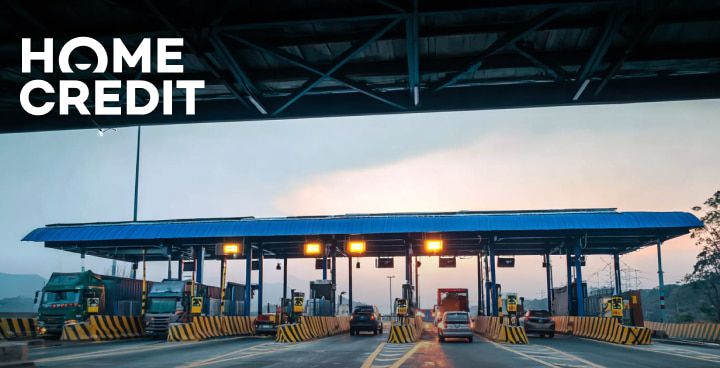
Table Of Contents
Tired of traffic jams at toll plazas? Navigating the expressways can be a headache if you’re stuck waiting in long cash lanes. Luckily, RFID tags are here to save time.
If you drive often on SLEX, NLEX, Skyway, or other major toll roads, having an RFID sticker on your car makes toll payments faster and hassle-free.
Before we dive into the nitty-gritty, let’s quickly answer the big question...
What is an RFID and how does it work on tollways?
RFID stands for Radio Frequency Identification. Toll booths have scanners that read your tag automatically, deduct the fee from your account, and let you pass without stopping.
No more fumbling for cash or worrying about exact change. Both Autosweep and Easytrip use this technology to make your drive smoother.
Where can we use Autosweep RFID?
Autosweep RFID is the electronic toll payment system used on expressways operated by SMC Tollways in the Philippines.
These include South Luzon Expressway (SLEX), Skyway, NAIA Expressway, STAR Tollway, TPLEX, and MCX. Having an Autosweep RFID sticker means your car can go through these expressways without stopping to pay cash.
How to install Autosweep RFID?
To get your Autosweep rfid installation, you can visit customer service centers at major toll plazas on SMC Tollways.
Just bring your vehicle with required documents and a valid ID. Staff will stick the RFID tag on your windshield and help you set up your account.
Autosweep online application
Before going to a physical installation point you can start your Autosweep online application on the official Autosweep website.
Fill out your vehicle and personal details to speed up the process when you visit the installation site.
How to load Autosweep?
If you need to top up, here’s how to load Autosweep in three ways:
1. Open your e‑wallet like GCash and Maya, then choose “Pay Bills” then select Autosweep.
2. Use bank or online banking platforms that support RFID loading.
- BDO
- BPI
- RCBC
- Security Bank
- UnionBank
- Mayabank
- Chinabank
3. Visit toll plaza booths or retail partners to top up in person.
Reload options like GCash and Maya are popular for convenience and near‑instant updates
How to check Autosweep balance?
There are several ways to how to check autosweep balance.
- Use the Autosweep mobile app
- Log in to the web portal
- Look at the balance displayed on the LED screen at toll plazas after each trip.
You can also call their hotline or receive SMS notifications with balance updates.
Need to Top Up Your RFID Fast?
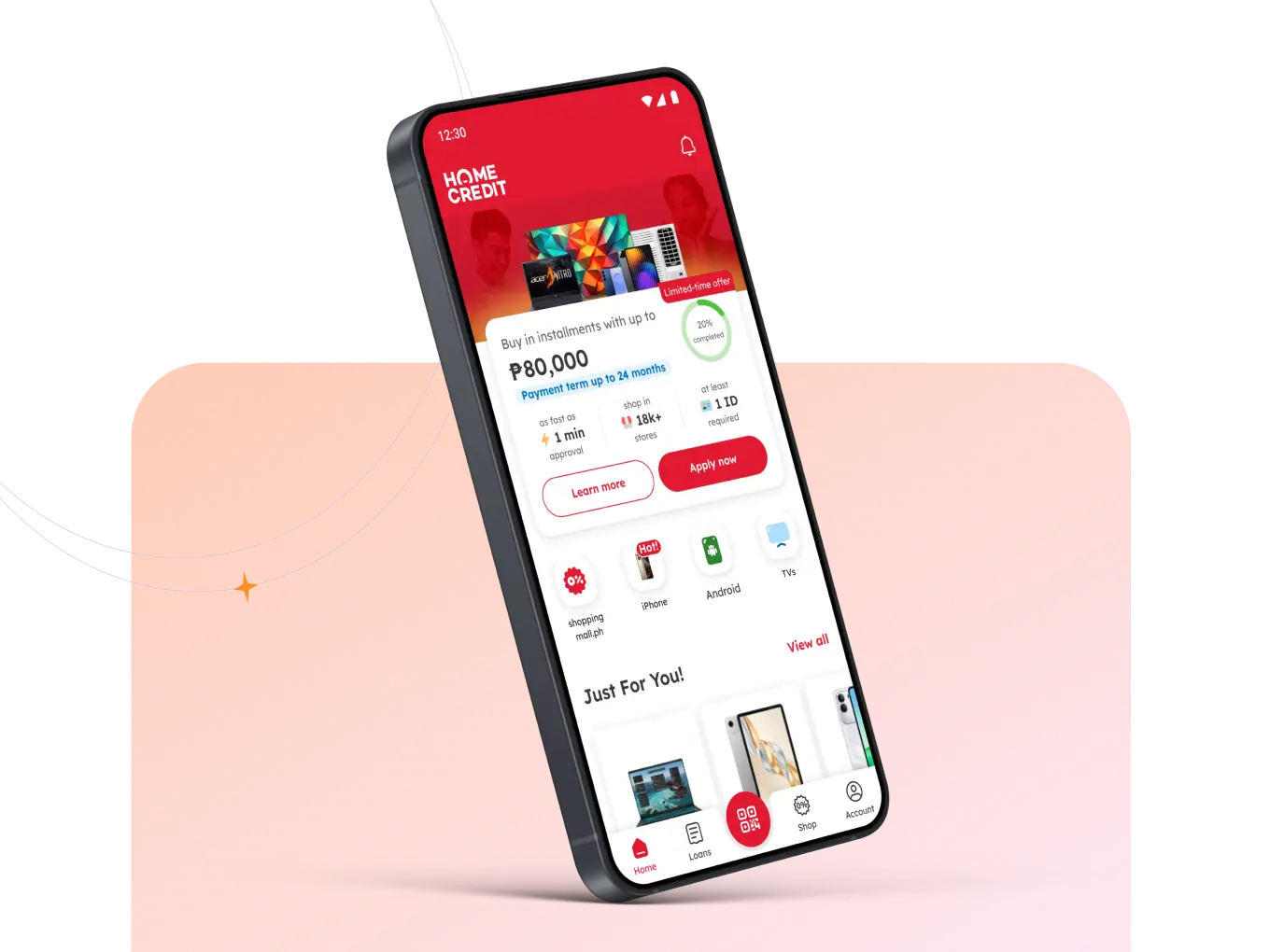
Avoid delays at toll gates by using HC Qwarta to top up your RFID. You can pay it back monthly, making it easier on your budget.
Where can we use Easytrip RFID
On the other side, Easytrip RFID is the system used on expressways managed by Metro Pacific Tollways Corporation (MPTC).
These include NLEX, SCTEX, CALAX, CAVITEX, and other major toll roads across Luzon. Like Autosweep, Easytrip uses RFID technology to make toll payments cashless and quick.
Easytrip online application
Many drivers start their Easytrip online application by filling out forms or pre‑booking an appointment using the Easytrip online reservation system. This speeds up your installation when you visit the site.
Easytrip RFID installation
Getting your Easytrip RFID installation is straightforward. Visit an Easytrip installation site at NLEX or SCTEX toll plazas and present your required documents.
Staff will place the sticker on your windshield and help you activate your account.
How to load Easytrip
There are several ways to reload your Easytrip account. The most common options are using the Easytrip app, visiting partner sites, or paying through bank bill payment services.
Bank and online payment options:
- BDO Online Banking – Pay Easytrip under the Bills Payment section.
- UnionBank Online – Use the Pay Bills option and select Easytrip.
- BPI Online/Mobile App – Go to Payments/Load, choose Easytrip RFID, and enter your details.
- Metrobank and Landbank Online – Both support Easytrip reloads via online banking.
Mobile wallet options (quick and convenient):
- GCash – Open the app, go to Pay Bills → Toll → Easytrip RFID, enter your account number and amount, then confirm. Your balance usually updates within a few hours.
- Maya (formerly PayMaya) – Open the app, go to Pay Bills, select Easytrip RFID, enter your account details and amount, then pay.
- GrabPay and ShopeePay – These e-wallet apps also allow Easytrip reloads under the Toll or Transportation section.
No matter which method you choose, topping up your Easytrip balance ensures a smooth, cashless trip every time you hit the expressway.
How to check Easytrip balance
To check how to check Easytrip balance, you can use the Easytrip RFID mobile app or the official website.
You can also use the LED display at toll booths, SMS options, or call their customer service number for assistance.
Top Up Your RFIDs Using Home Credit!
With your Autosweep and Easytrip RFID ready, cashless tolls are just a swipe away, making every expressway trip faster and more convenient.
To make it even easier to manage your travel funds, you can use HCQwarta by Home Credit. It’s a digital wallet that helps you reload your RFID accounts, pay bills, and keep your budget on track all in one app.