Digital National ID Philippines: How to Get It, Check Status, and Use It Online
Learn how to check your registration status, download your official Digital National ID online, and use it as valid proof of identity for government and private transactions.
-
 Lifestyle Hacks
-
 Last Updated October 1, 2026

Table Of Contents
Still waiting for your National ID? You can already use your Digital National ID for banking, loans, and online transactions—no physical card needed.
Here’s how to access, use, and protect your Digital National ID—step by step.
What is the Digital National ID?
The Digital National ID is the official online version of your PhilSys ID that you can access through the National ID website or eGovPH app.
It can be used for identity verification even without the physical card.
What You Can Do with Your Digital National ID
Your Digital National ID or PhilSys digital ID is more than just a backup—it’s designed for real, everyday use.
Even without the physical copy of your PhilSys National ID, you can use it to:
- Confirm your identity for loan or credit applications.
- Open or manage financial accounts.
- Complete online verification processes.
- Support government and private transactions.
Key point: The digital version is recognized as a valid proof of identity, as long as it’s properly authenticated.
Got A Valid ID Already?
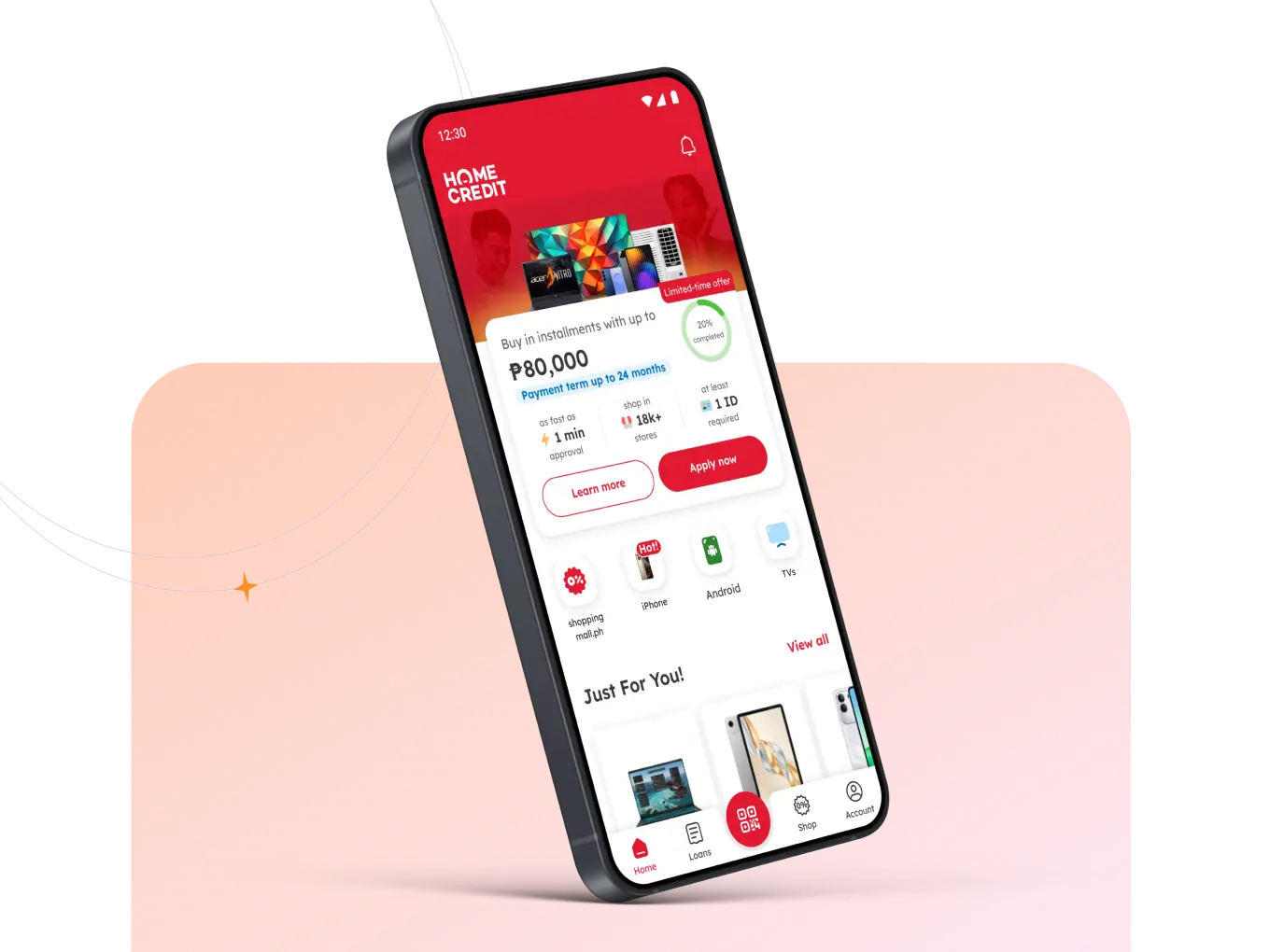
With Home Credit, you can start shopping in installments with just one ID—fast and hassle-free. Use your valid ID and get your dream item when you download the Home Credit app!
When You Might Need a Digital Copy Instead of a Physical ID
Many Filipinos experience delays in receiving their physical PhilSys card.
In the meantime, the digital version can serve as a practical alternative.
You may find it useful if:
- Your physical ID hasn’t been delivered yet.
- You need an ID urgently for an application.
- You’re completing an online-only transaction.
- You prefer using your phone instead of carrying a card.
This makes the Digital National ID especially helpful for remote or app-based services.
How to Access Your Digital National ID Online (Quick Steps)
If you’re already registered with PhilSys, you can still retrieve your digital ID online.
Here’s how:
- Go to the official National ID website or open the eGovPH app.
- Enter your personal details as required.
- Complete identity verification.
- View the digital version of your PhilSys ID.
- Save or screenshot only if necessary—and store it securely.
Remember, only use official platforms when you want to retriev your ID. If a page or message asks for your ID details outside verified channels, don’t proceed.
Checking Your National ID Status Online
Not sure where you are in the process? There are different ways to check, depending on your concern.
If you want to access your digital ID, use the official website or eGovPH app.
If you’re waiting for your physical card, track delivery through PHLPost using your Transaction Reference Number (TRN).
To Recap:
- For digital access → National ID site / eGovPH
- For verification → PhilSys Check
- For delivery tracking → PHLPost
Using Your Digital ID for Loan Applications
If you’re applying for a loan, identity verification is one of the first steps.
Your Digital National ID can help confirm that you are the applicant—especially if your physical ID is not yet available.
However, lenders typically assess other factors such as:
- Income and employment
- Capacity to repay
- Existing financial obligations
But here’s a quick reminder, a valid ID supports your application—but it doesn’t guarantee approval. Make sure you complete all the requirements and understand the loan terms you’re applying for.
Loan approval is subject to credit evaluation and applicable terms and conditions.
How to Protect Your Digital National ID
Your ID contains sensitive personal information, so it’s important to handle it carefully.
Here are some best practices:
- Use only official government platforms.
- Avoid sending your ID through social media or chat groups.
- Check links before submitting personal details.
- Secure your device with passwords or biometrics.
- Confirm the identity of anyone requesting your ID.
If something feels suspicious, pause and verify first.
Frequently Asked Questions on Digital National ID
Yes. It can serve as proof of identity, provided it is authenticated through the proper channels.
Yes. The Digital National ID is designed to be used while waiting for your card.
You can either:
- Access your digital copy online.
- Track the delivery of your physical card using your TRN.
Yes—but only if your device is secure and you avoid sharing the file unnecessarily.
Make the Most of Your Digital National ID
The Digital National ID gives you a more flexible way to verify your identity—whether you’re applying for financial services or completing transactions online.
Used properly, it can save time and reduce the need to wait for your physical card.
If you’re planning to apply for a loan, make sure you also review the full requirements and choose an option that fits your budget.
At Home Credit Philippines, we believe financial services should be simple and stress‑free.
Ready to start shopping in installments? Apply faster with just one valid ID. Download the Home Credit App today.